UI Projects
NASA SUITS - Programming
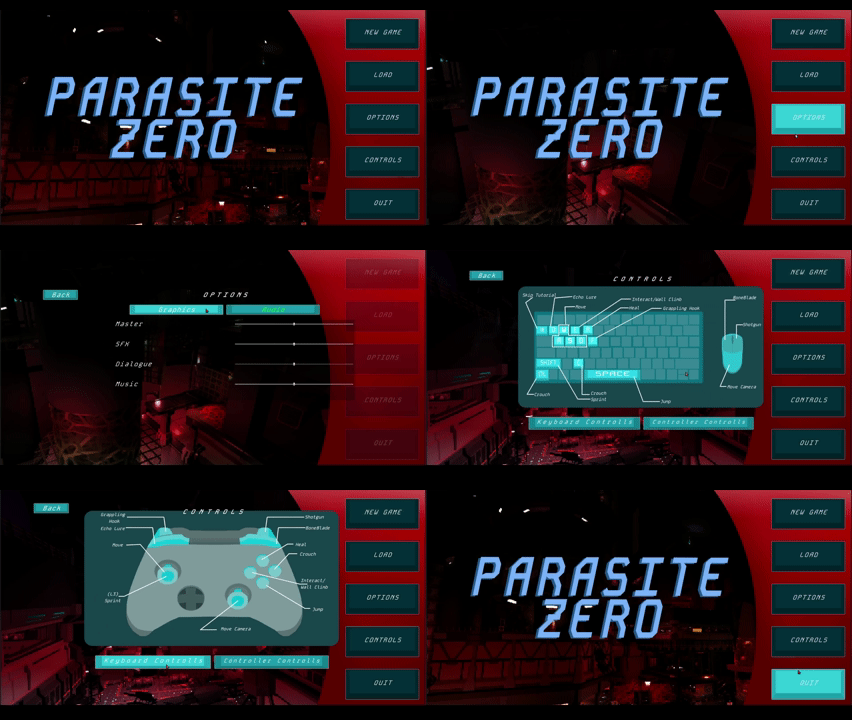
- Main Menu In the main menu you can access the options menu the control scheme menu.
-
HUD & TutorialsThis image show the HUD and Tutorial
The tutorial box switches images depending on what the tutorial is trying to convey.
On the left side of the HUD is the health the Mutation bar and the bar that fills up when the player can heal again.
on the right of the HUD is the abilities that the player has unlocked. - Pause Menu
-
Loading
- Locked Door The Locked door takes away health and the player has to confirm if the want to loose that health
- Text BoxFor any dialogue
- Vibration Match PuzzleThis Puzzle is a Simon says type of minigame where the player has to repeat the button sequence
- Flow PuzzleFor the player to solve this puzzle they have to get the electricity to the lightbulb through the pipes
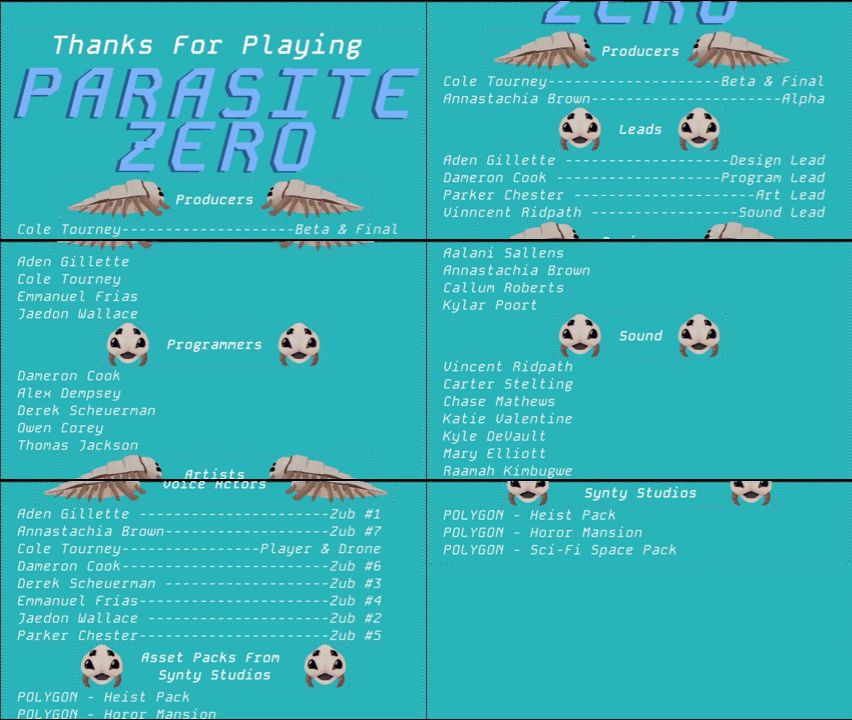
- Credits
-
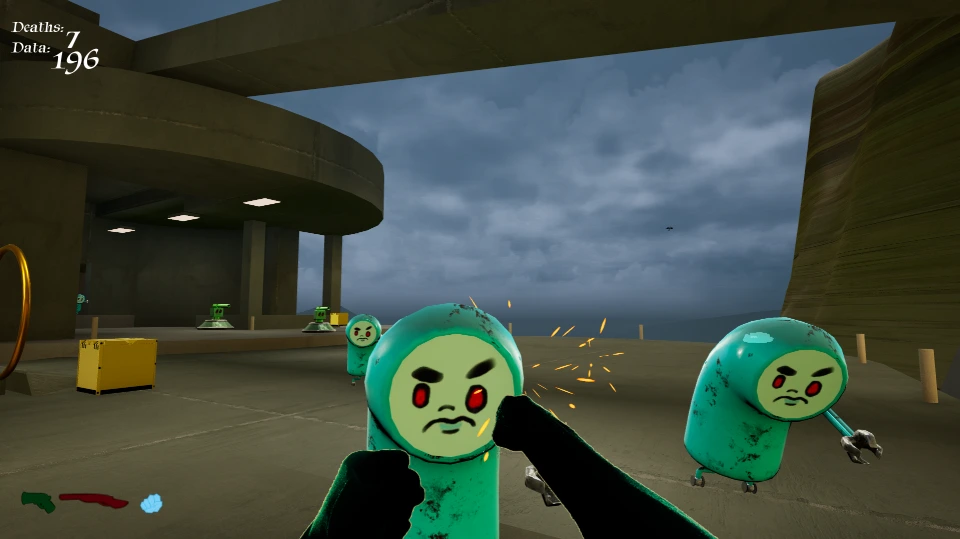
HUD
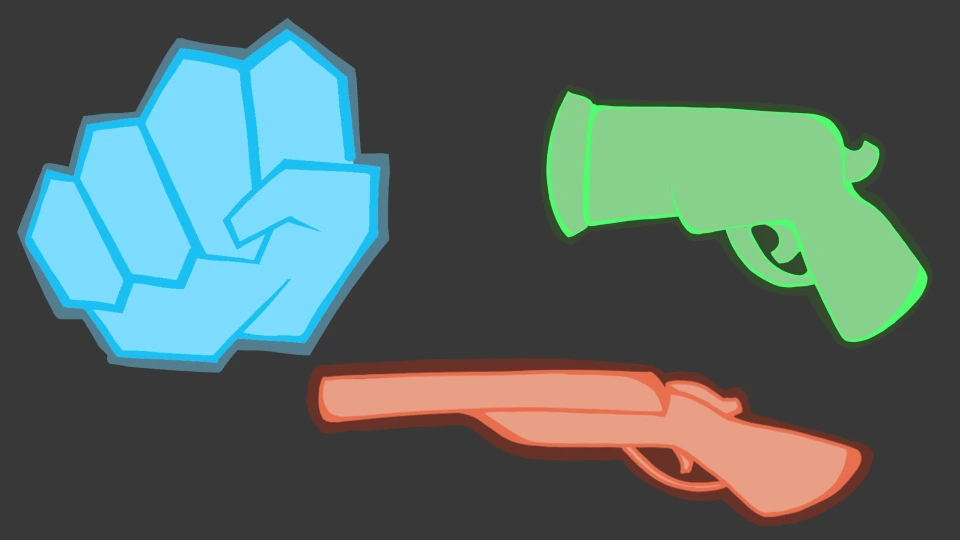
The HUD has icons for what the player is holding In this image, fists are equipped so the fist icon on the HUD is highlighted.
The HUD Items are color coded to items in the game. Blue items need to be punched. Green Items get shot with the revolver, and red items get shot with the shotgun. - HUD Assets out of HUD